Digby App – Support
We aim to reply to all support enquiries within one UK working day (Monday–Friday, 9am–5pm, excluding bank holidays). Urgent billing or account-access issues are handled the same day where possible.
How to contact us
| What you need help with | |
| App not working, sign-in problems, general questions | support@digbyfineenglish.com |
| Billing, refunds, subscription changes | billing@digbyfineenglish.com |
| Cancel a new subscription within the 14-day cooling-off window | cancel@digbyfineenglish.com |
| Data protection, account deletion, GDPR requests | privacy@digbyfineenglish.com |
| Wine deliveries, tasting-room visits, cellar matters | cellar@digbyfineenglish.com |
When you write to us, please include:
- The email address on your account so we can look you up.
- A short description of what you tried to do and what happened.
- A screenshot if relevant (especially for App errors).
- Your iOS version and iPhone model (Settings → General → About) if the issue is App-specific.
Please do not send your password, payment card details, or sign-in codes by email — we never ask for these.
Quick answers
“I forgot my password”
- Open the App and tap Sign In on the welcome screen.
- Tap Forgot password? under the password field.
- Enter your email address — you’ll receive a reset link within a minute or two.
- Tap the link in the email (it will open back in the App).
- Set a new password.
If the email doesn’t arrive: check spam, then email support@digbyfineenglish.com.
“I want to cancel my subscription”
- Open the App.
- Go to Account tab.
- Tap Manage Subscription.
- Tap Cancel.
Your paid benefits stay active until the end of the current billing period — there’s no further charge after that.
If you’re within 14 days of first subscribing, you’re entitled to a refund under UK Consumer Contracts Regulations — email cancel@digbyfineenglish.com to claim. After 14 days, fees already paid are non-refundable.
“I want to delete my account”
- Open the App.
- Go to Account tab.
- Scroll to the bottom and tap Delete Account (in red).
- Read the two-step confirmation and confirm.
Deletion is permanent and:
- Cancels any active subscription.
- Removes your profile, membership tier, referrals, in-app credit, and reward-claim records.
- Does not automatically delete your historical wine-club orders held in our cellar’s order-management system (Commerce7). To request those also be removed, email privacy@digbyfineenglish.com.
“I didn’t receive my wine allocation / event invitation”
The App shows benefits earned through your membership tier, but fulfilment (sending the wine, ticketing the event) is handled by our cellar team. Email cellar@digbyfineenglish.com with your member name and the missing item.
“Sign in with Apple isn’t working”
- Make sure your iPhone is signed in to an Apple ID (Settings → [Your Name]).
- Try signing out of the App and back in.
- Check Apple’s system status: https://www.apple.com/uk/support/systemstatus/ — if “Apple ID” or “Apple Pay” are red, it’s an Apple-side outage.
If the problem persists, email support@digbyfineenglish.com — we can usually re-link your account from our side.
“The App says my Commerce7 account isn’t linked”
The first time you use a wine-club feature (My Orders, club membership, reservations), the App searches Commerce7 for a customer with your email address. If you have an existing wine-club account under a different email, the App can’t find it automatically — email cellar@digbyfineenglish.com with both email addresses and we’ll merge them.
“I subscribed but the App still shows me as Access tier”
Subscription updates are processed via webhooks from Stripe. The App should reflect a new subscription within 30 seconds. If after a few minutes it still shows the old tier:
- Pull-to-refresh the Pricing screen.
- Sign out and back in.
- If it’s still wrong, email billing@digbyfineenglish.com with the date and time of your payment.
“The App is showing ‘Network error’ or ‘Failed to load'”
- Check your internet connection (try opening a website in Safari).
- Force-close the App (swipe up + swipe up on the App’s card) and re-open it.
- Restart your iPhone.
- If still failing, email support@digbyfineenglish.com with a screenshot.
Documents
- Privacy Policy: https://digby-fine-english.com/app/privacy
- Terms of Service: https://digby-fine-english.com/app/terms
About this App
The Digby Sparkle iOS app is published by Digby Fine English Ltd, a company registered in England and Wales (company number 08020783) with registered office at 55-57 High Street, Arundel, West Sussex, BN18 9AJ.
App version: see Account tab → About inside the App.
Latest news
Tales of courage and curiosity ...

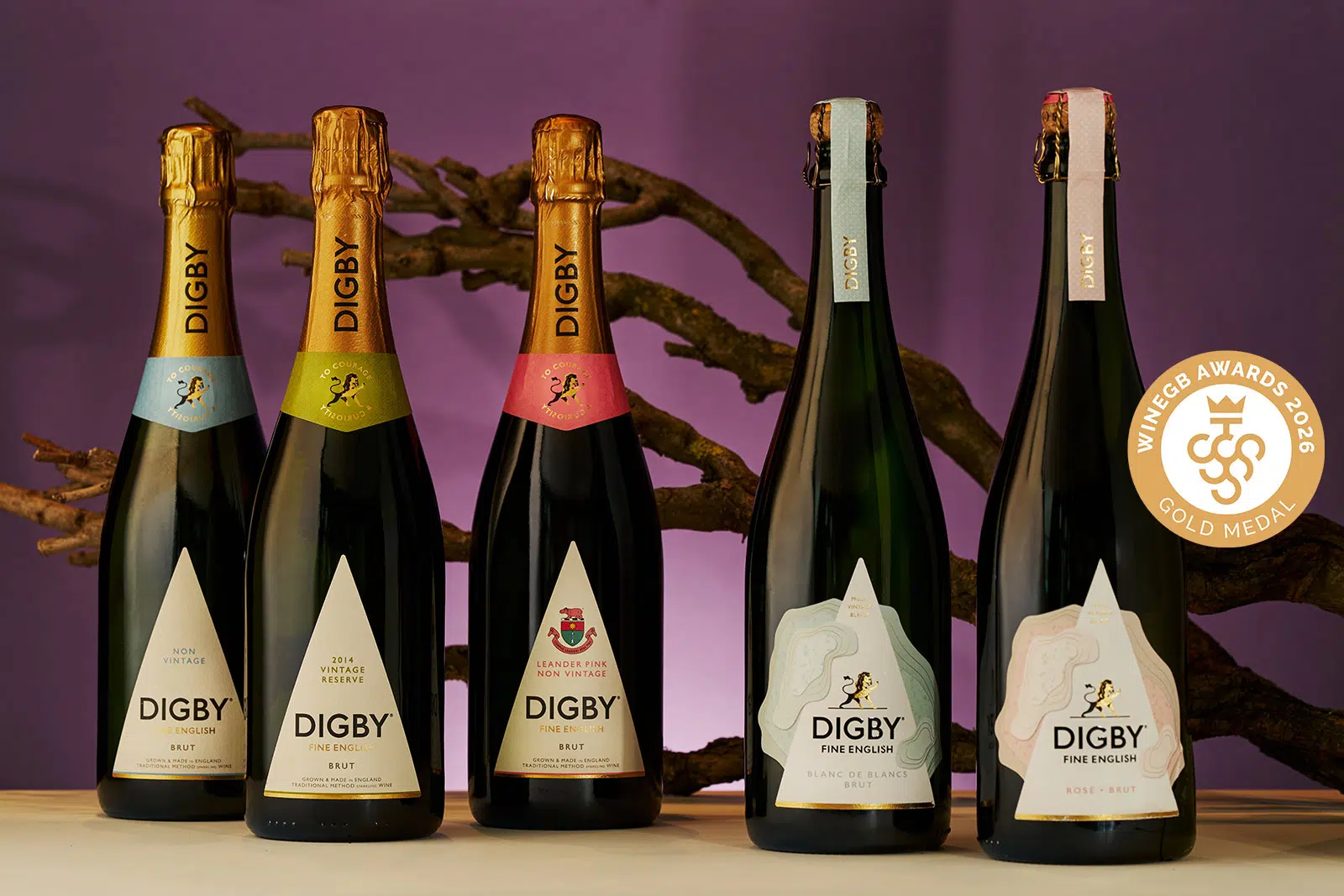
23/06/2026
A Golden Week: Celebrating Our Success at the Wine GB Awards
We are incredibly proud to share that our wines have received major recognition this year at the Wine GB Awards, bringing home a fantastic collection of both Gold and Silver medals.
Read more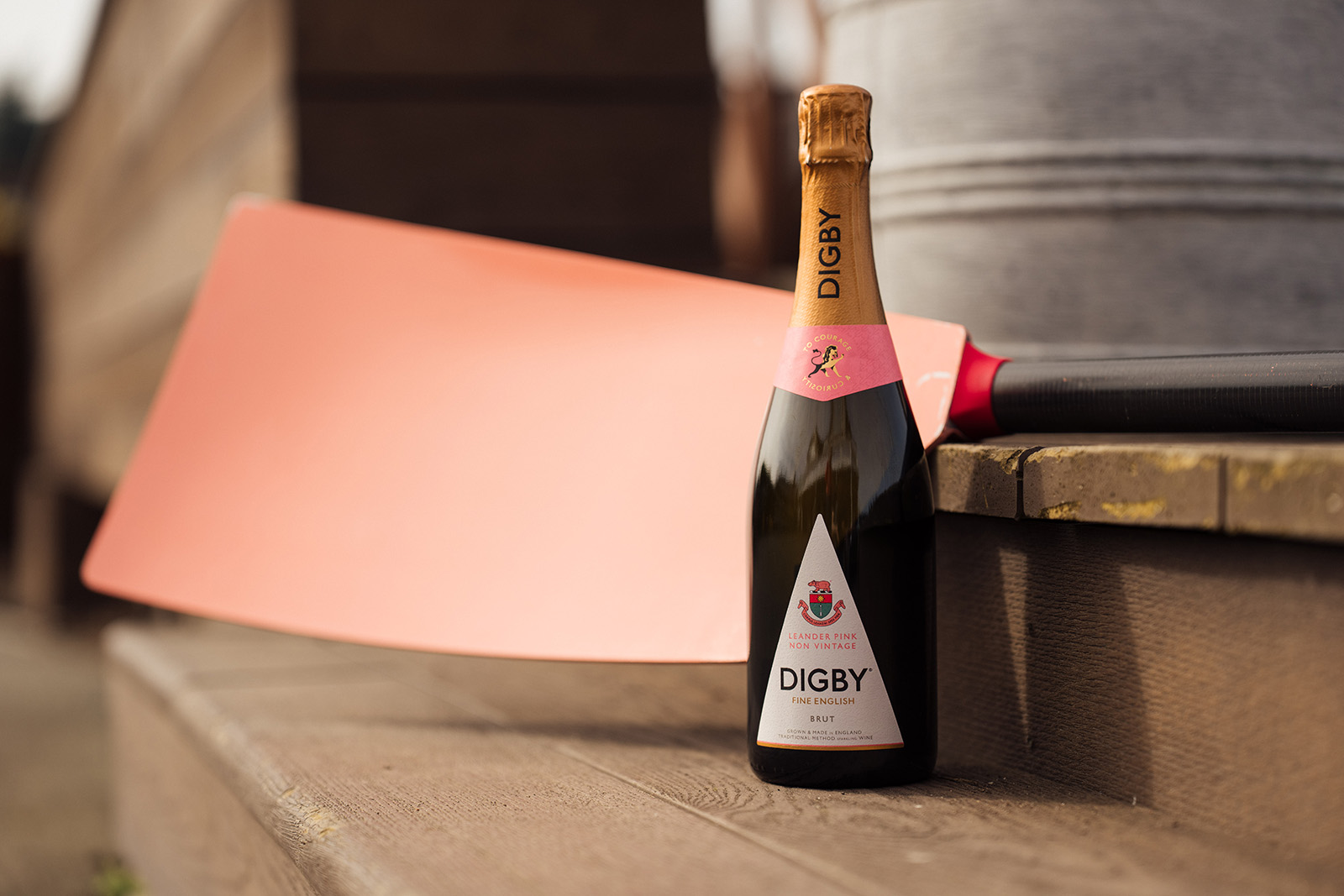
20/04/2026
A Vibrant New Chapter at 35,000 Feet: Leander Pink NV Brut Takes to the Skies
Digby Leander Pink NV Brut English sparkling wine is now available on British Airways Club World international flights.
Read more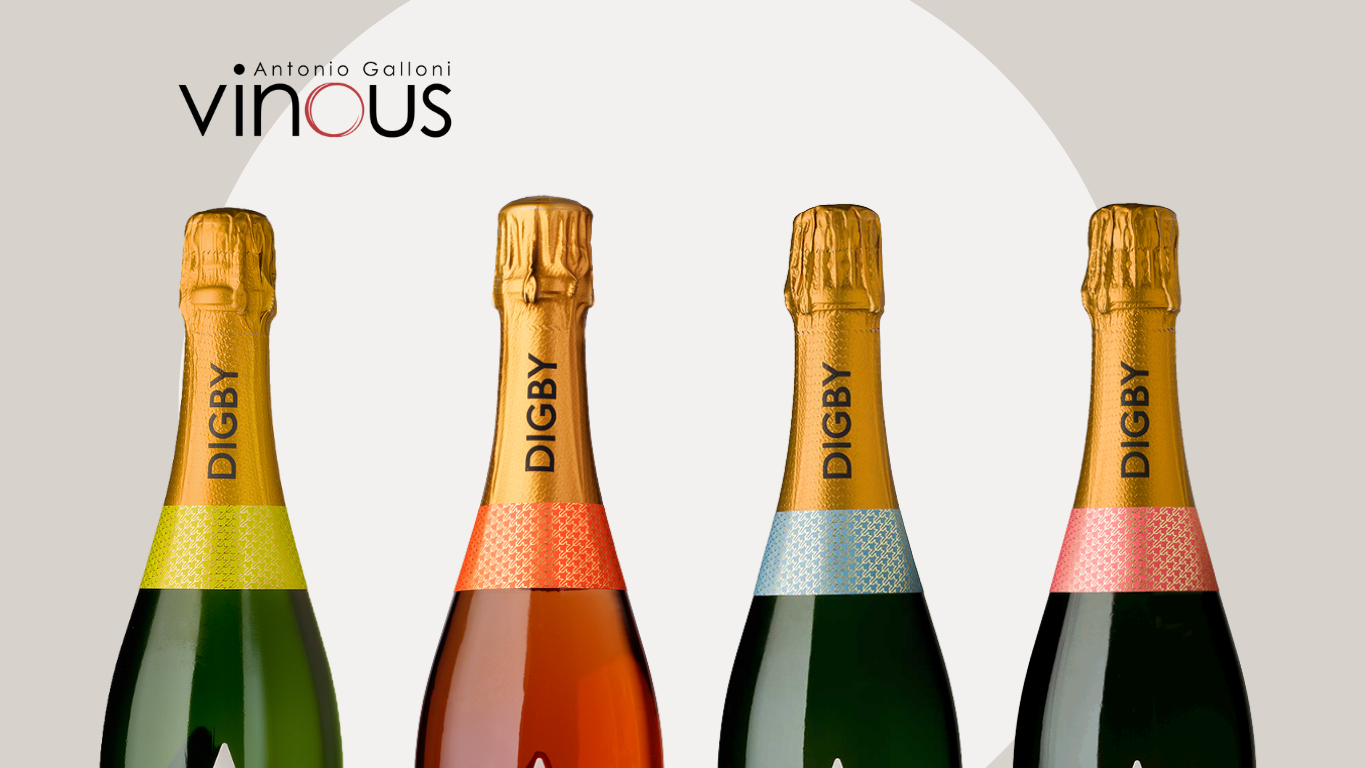
12/01/2026
Raising the Bar: Digby’s Vinous Scores Place Us Among England’s Finest
Perspective Observed: Our Latest Vinous Scores In the world of fine wine, perspective is everything. While a score is rarely the final word, when it comes from a voice as […]
Read more
09/01/2026
Three Wine Trends Defining 2026 and Why Digby Is Already There
Wine trends have a habit of announcing themselves loudly.But the ones that truly matter tend to arrive more quietly; shaped by shifts in culture, taste and values rather than hashtags. […]
Read more